
Share Content and Video Chat with Assets
Share content and video chat. Switch between content seamlessly. Screen share. Work on Google Docs. Watch videos. Present. Video Chat with no lag.
What Are Assets?
Switch between different types of content in one click. Share content and video chat at the same time. Assets are forms of media you can upload to your Cya Live event as a moderator. Once you upload an Asset to the main window, it can be seen by all users, and depending on the asset they can interact with it as well. By uploading different assets to your library, you can seamlessly switch between different types of content like video, screen share, presentation and more!
Take your presentation to the next level. While presenting, you can “push” a Youtube video and go back to your presentation in one click. Uploading assets to the library reduces lag for all users, unlike other video chat services which use your screen to show content.
Which Types Of Assets Can I Upload?
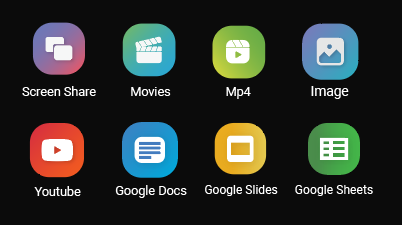
You can upload:
- A Youtube Link
- Screen Share
- Share an interactive Wikipedia page
- Share and work on Google Docs collaboratively
- A video
- An Image
- Watch Netflix
Subscribe to our newsletter to be the first to know about new features!
How Do I Start?
To start using Assets, create a Cya Live account, and make a Room or an Event. To find out more on which one you should use, check out this article on Rooms, or this one for Events. Decide which content you want to share. Load your assets and start sharing content and video chatting for free.
Happy chatting!