
3D Scene Viewer
Present, tour and annotate 3D models together — in real time.

What 3D Scene Viewer does
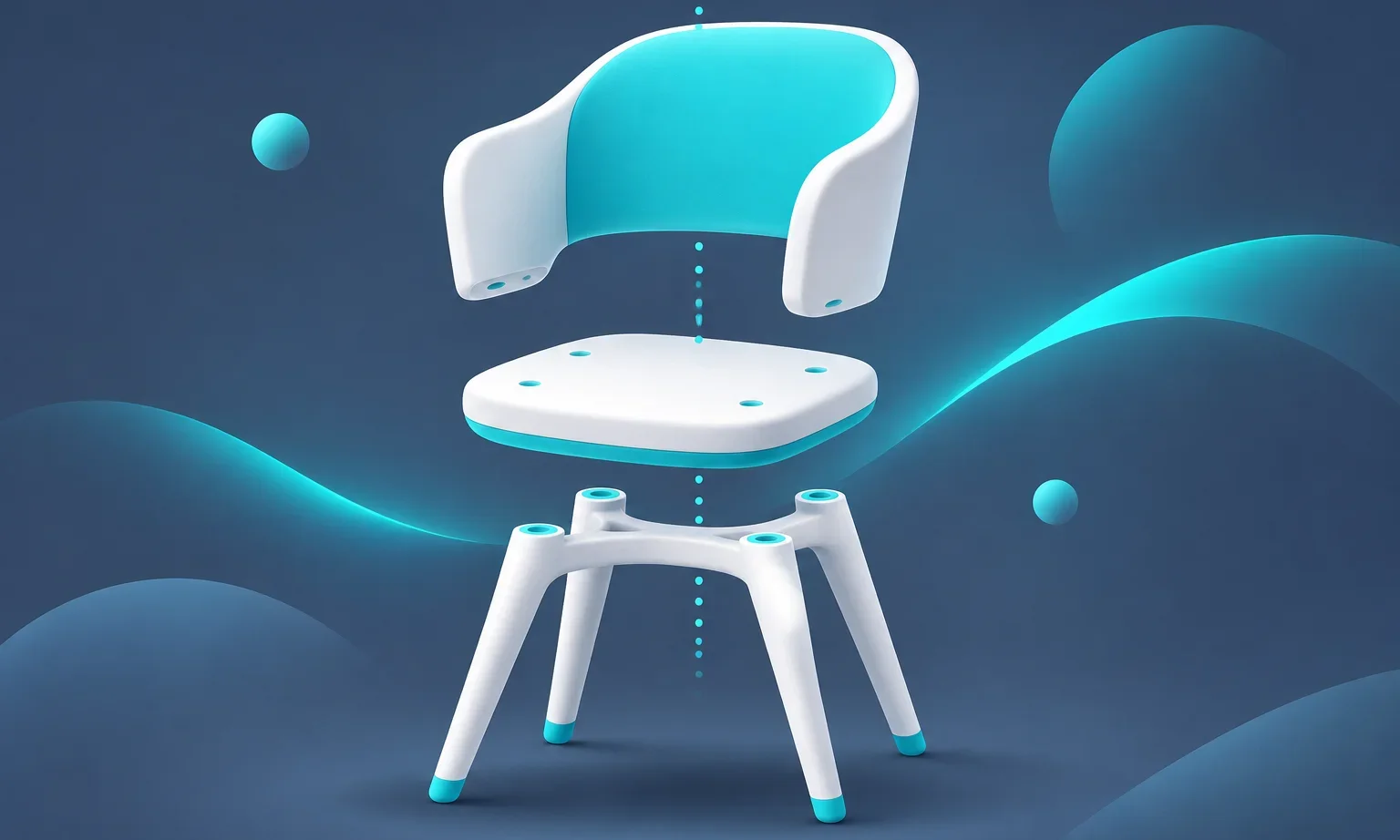
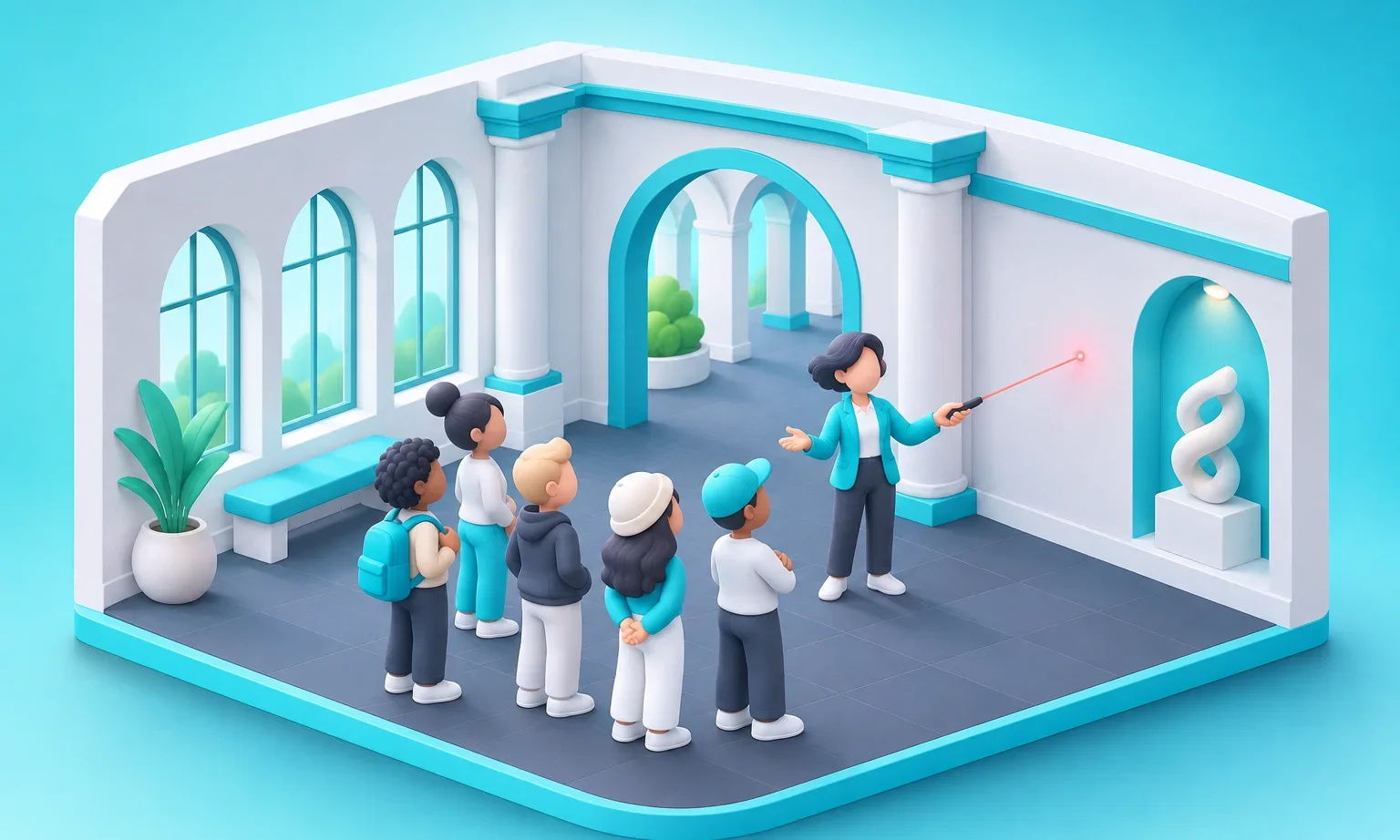
A collaborative 3D studio in your room: load GLB/GLTF/OBJ/STL/FBX models or full scenes (or start from the built-in Design Gallery), walk or fly through them, and present with a shared camera everyone can follow — or break off and explore freely. Pin spatial annotations with threaded replies, build guided tours, save viewpoints, switch lighting, explode assemblies and cut section planes — every change synchronized for the whole room. Moderators get a full edit mode with move/rotate/scale.
What you can do
Formats and environments
GLB, glTF (Draco and Meshopt), OBJ, STL and FBX, plus HDR environment maps. Built-in demo models and a gallery scene to try.
Present, don't just share
Presenter mode with smooth follow, "bring everyone here", a laser pointer, guided tours and saved viewpoints. Participants can explore freely and return to the presenter.
Annotate in 3D
Spatial notes with threads and resolve; authors own their notes and the host moderates.
Moderator tools
Transform gizmos, shared visibility, exploded view, section plane and lighting presets, all from the Controls panel.
How it works
- The host uploads a model or opens a built-in scene; files are stored for the room.
- The host presents; the room follows the camera or explores and returns at will.
- Co-presenters join by consent and can lead tours and point with the laser.
- Annotations and viewpoints stay with the scene for the next session.
Add 3D Scene Viewer to your show
- Start or open your show on cya.live or in the Cya app. You are the host.
- Open Apps in the room and switch to the Apps Center tab.
- Tap Install. The app joins My Apps in every room you host.
- Pick it from My Apps to put it in the main window. Its settings live in the Controls panel.
Only the host installs. Everyone else joins from the room on web or mobile with nothing to download.
Your questions, answered.
Which 3D formats does the viewer support?
GLB, glTF (including Draco and Meshopt compression), OBJ, STL and FBX, with HDR environment maps for lighting.
Can participants look around on their own?
Yes. Anyone can leave the presenter's view to explore and return with one tap; the presenter can also bring everyone back.
Is 3D Scene Viewer free?
Yes. Install it from the Apps Center inside any Cya show.
Build your own Cya app
A public SDK with a manifest, synced state, roles, storage and moderator controls. Ship a game, a tool or a whole format into live shows.